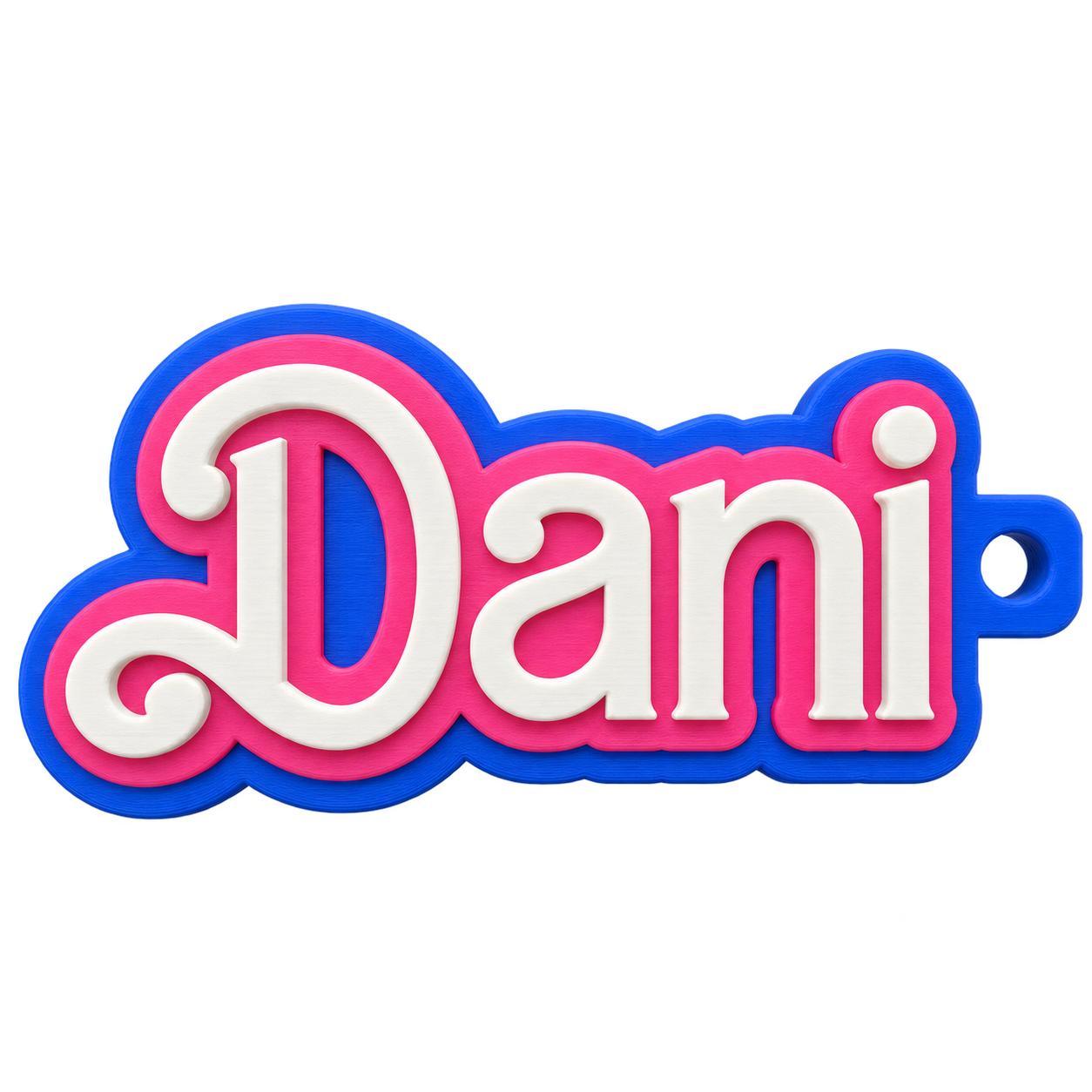
Name keyrings
Change the name, font, outline and colours. Make gifts that feel personal.
Make a keyringDesign software for 3D printer owners
Create custom keyrings, decorations and more in your browser. Preview your design in 3D, then download a file for your own printer.
Try it without an account. Sign in when you want to save or download.
Start with something you want to make
The product shape is your starting point. You make the choices that give it character.
Change the name, font, outline and colours. Make gifts that feel personal.
Make a keyring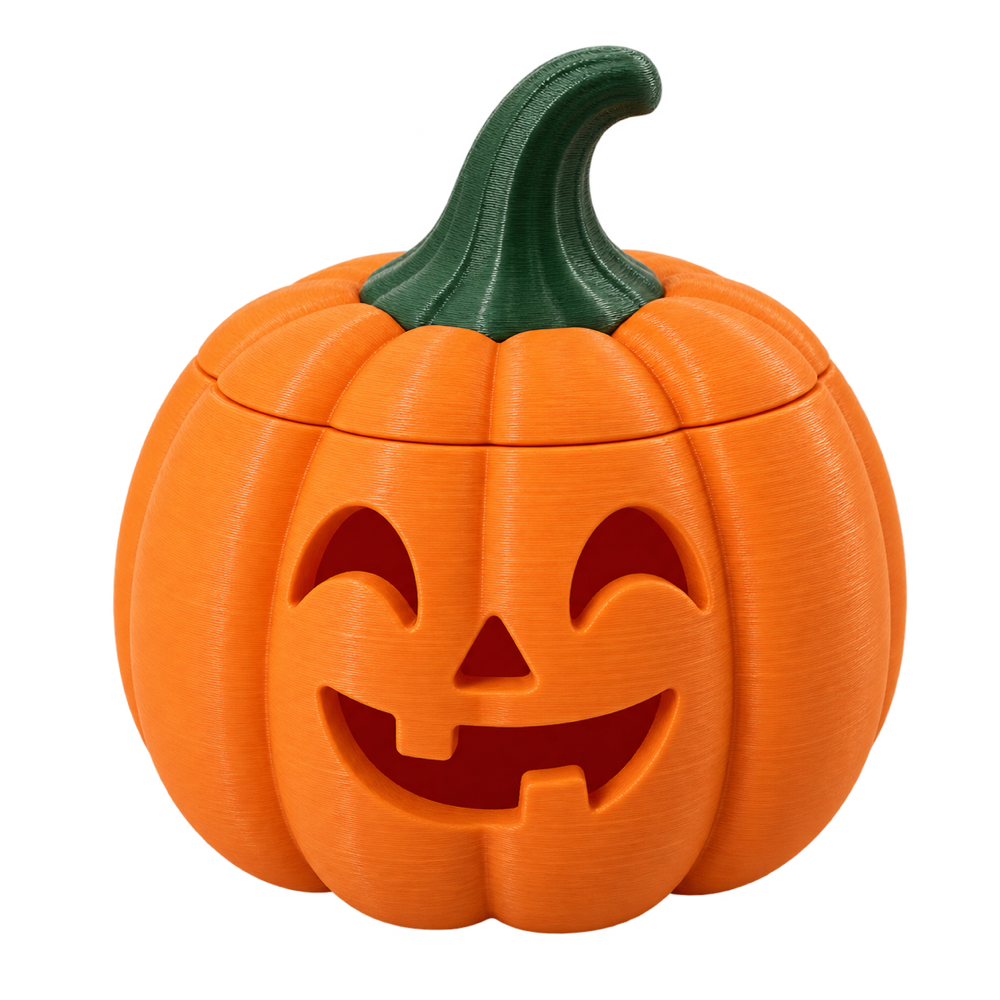
Choose the shape, face and details for your own seasonal decoration.
Design a pumpkin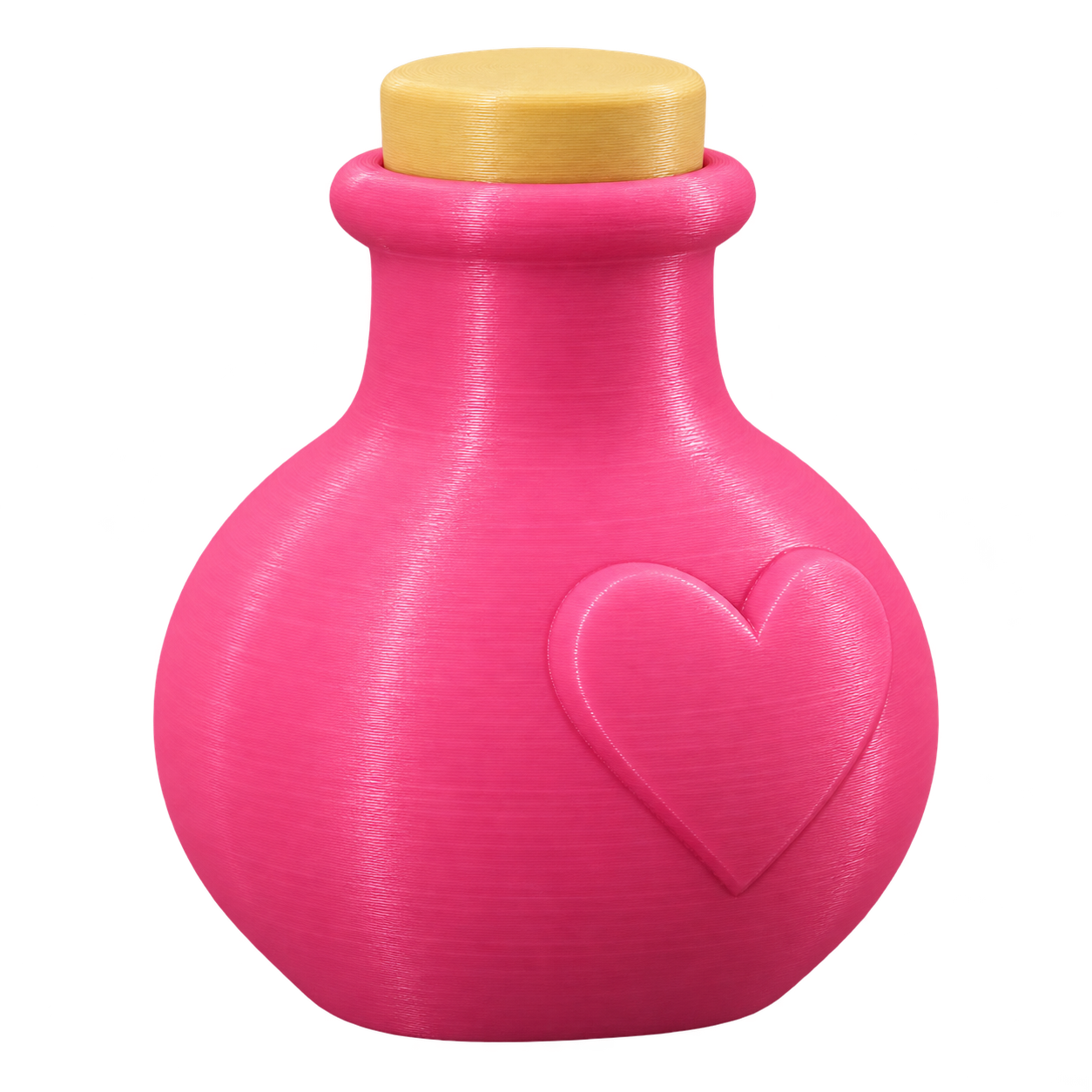
Explore shapes, lids and surface details to create a vessel with its own personality.
Shape a bottle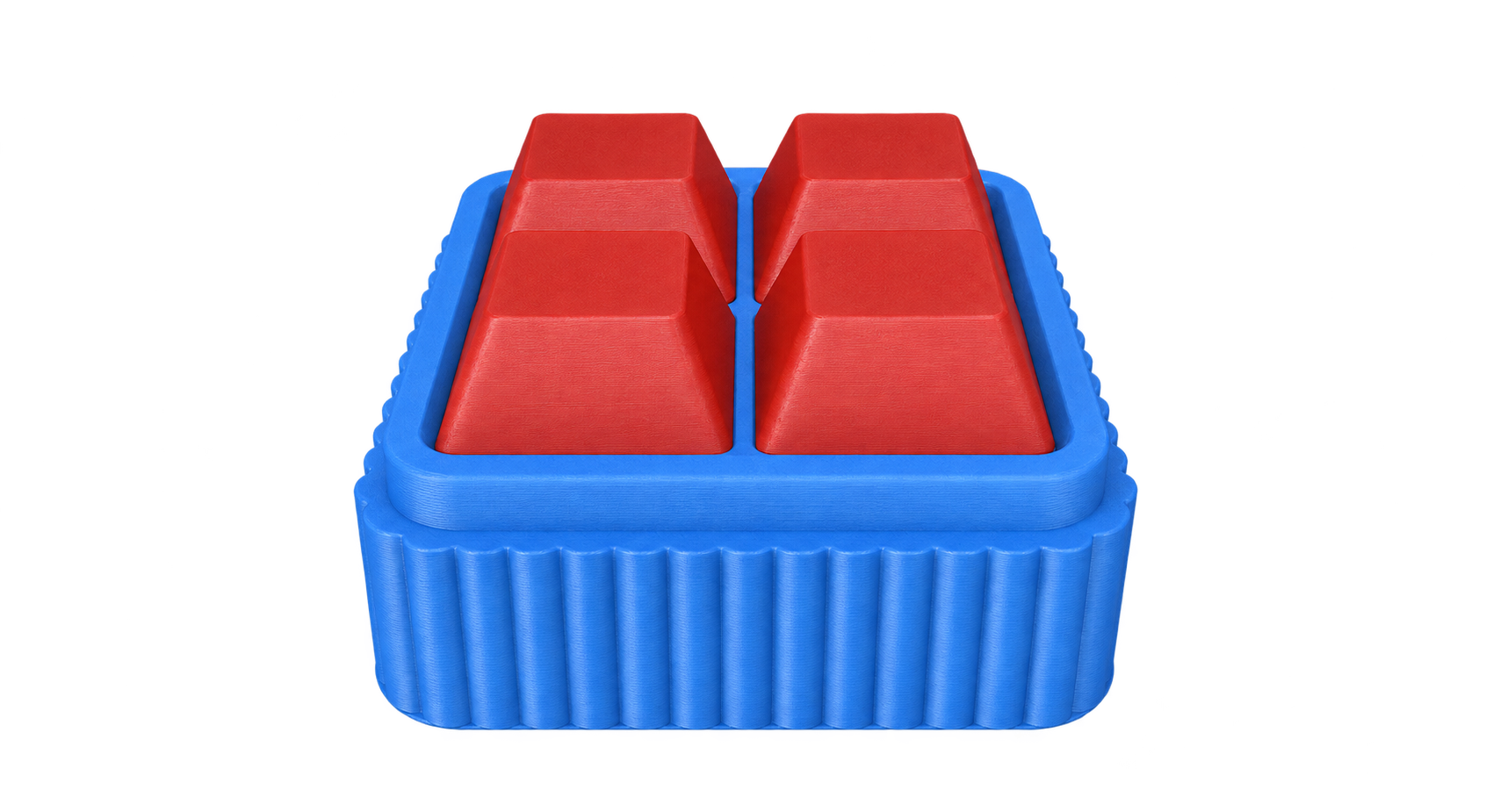
Choose the layout, keycaps and colours for a clicker. Keyboard switches are fitted after printing.
Create a clickerNo blank CAD canvas. Start with a product and make it your own.
Choose a product, then change its text, shape, colours or artwork using the options in its builder.
Rotate and inspect your design as you work. Save it so you can come back and make another version.
Download a 3MF with the model’s colour parts. Open it in your slicer, choose your printer settings and print it yourself.
Infillery is design software. You supply the printer and filament, and check the file in your slicer before printing.
Free account · personal projects
£0
Maker membership · for your small business
£9.99/month
You need permission for any characters, brands or images in what you sell. Compare all plans, including Maker Pro
A few practical things to know.
You can start with the options in a product builder, rather than modelling from scratch. Keyrings, bottles and pumpkins can be explored without an account.
A 3MF model file to open in a compatible slicer. It contains the model and its colour parts. You choose your own printer, filament and print settings in the slicer.
Free-account downloads are for personal use. Active Maker members can sell eligible physical products, subject to the licence and rights in any artwork they use. Digital files cannot be resold or redistributed.
Start with a keyring. See where your ideas take you.