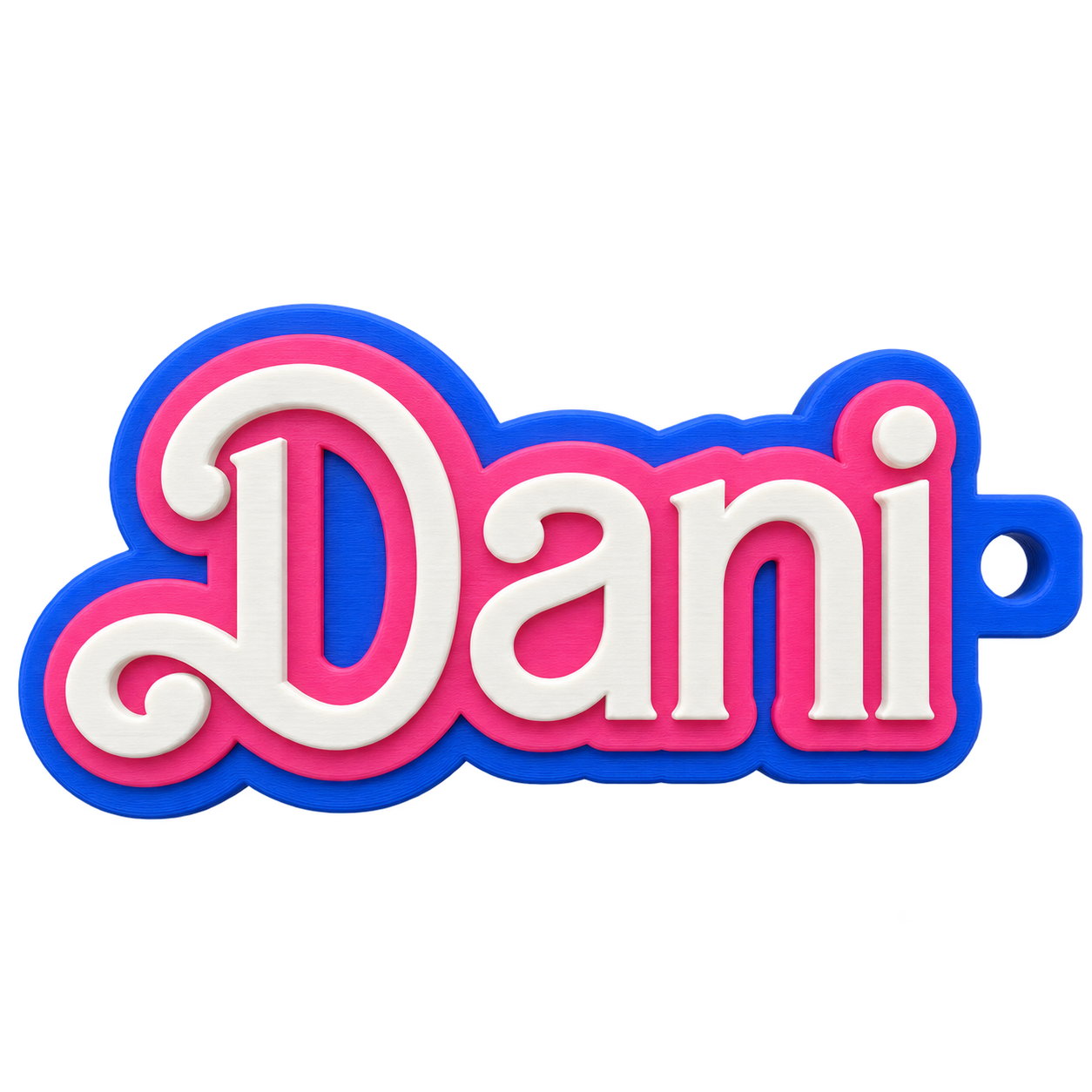
Name keyrings
Names, fonts, outlines and colours.
Explore name keyrings ↗
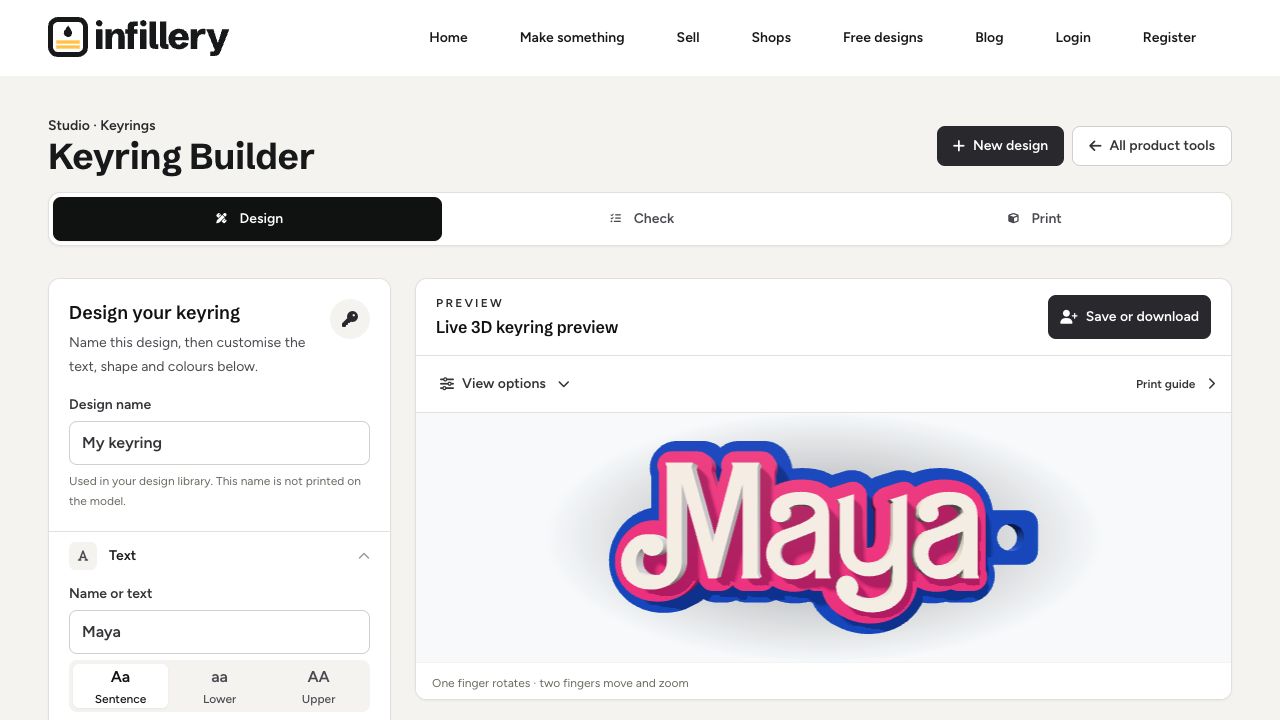
Your browser is your workbench
Start with a product, make it your own and turn it in 3D. Infillery prepares the model. Your slicer prepares it for your printer.
Try the keyring builder without an account. Sign in to save a design or build a print file.
Choose your starting point
Names, fonts, outlines and colours.
Explore name keyrings ↗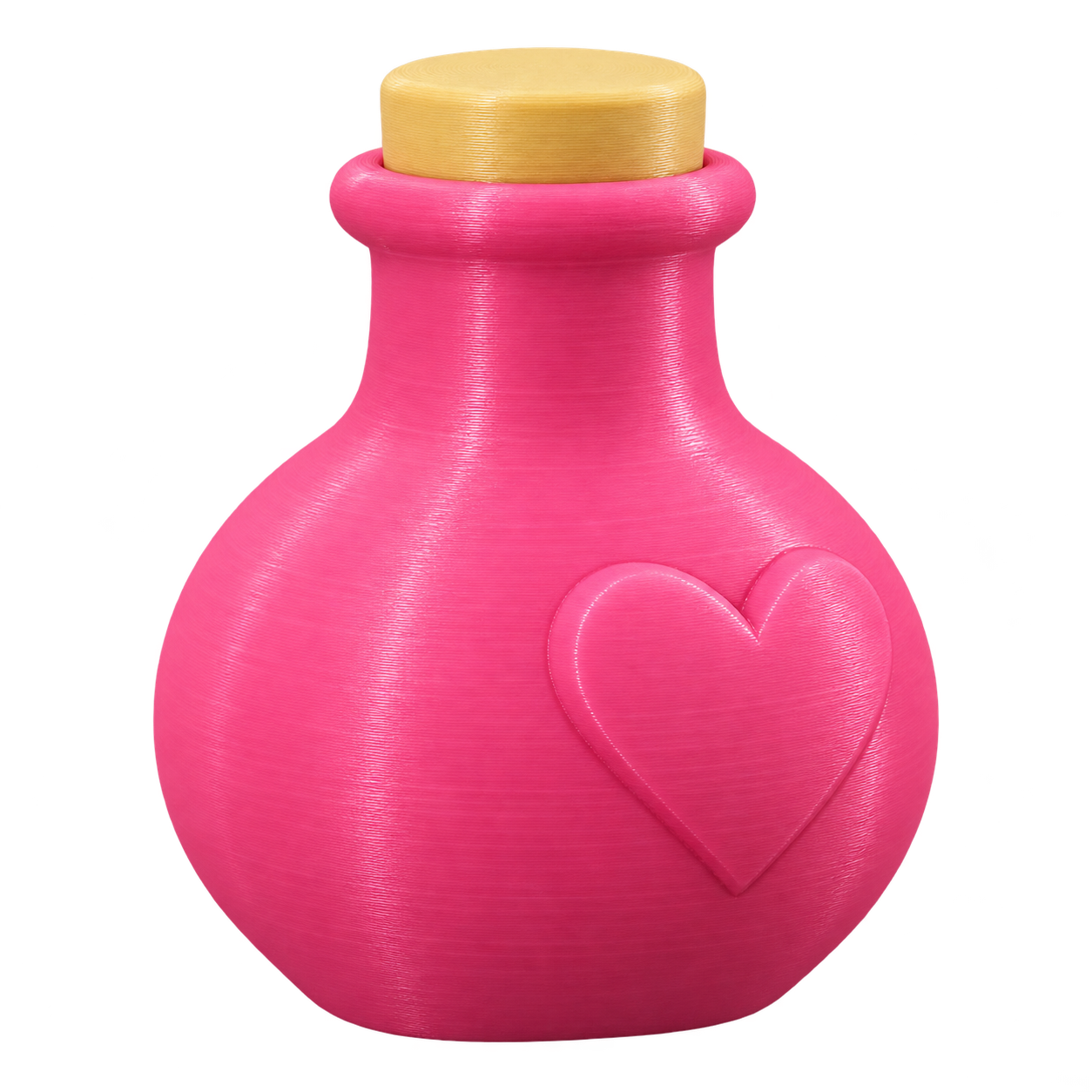
Explore shapes, lids and surface details.
Explore vessels ↗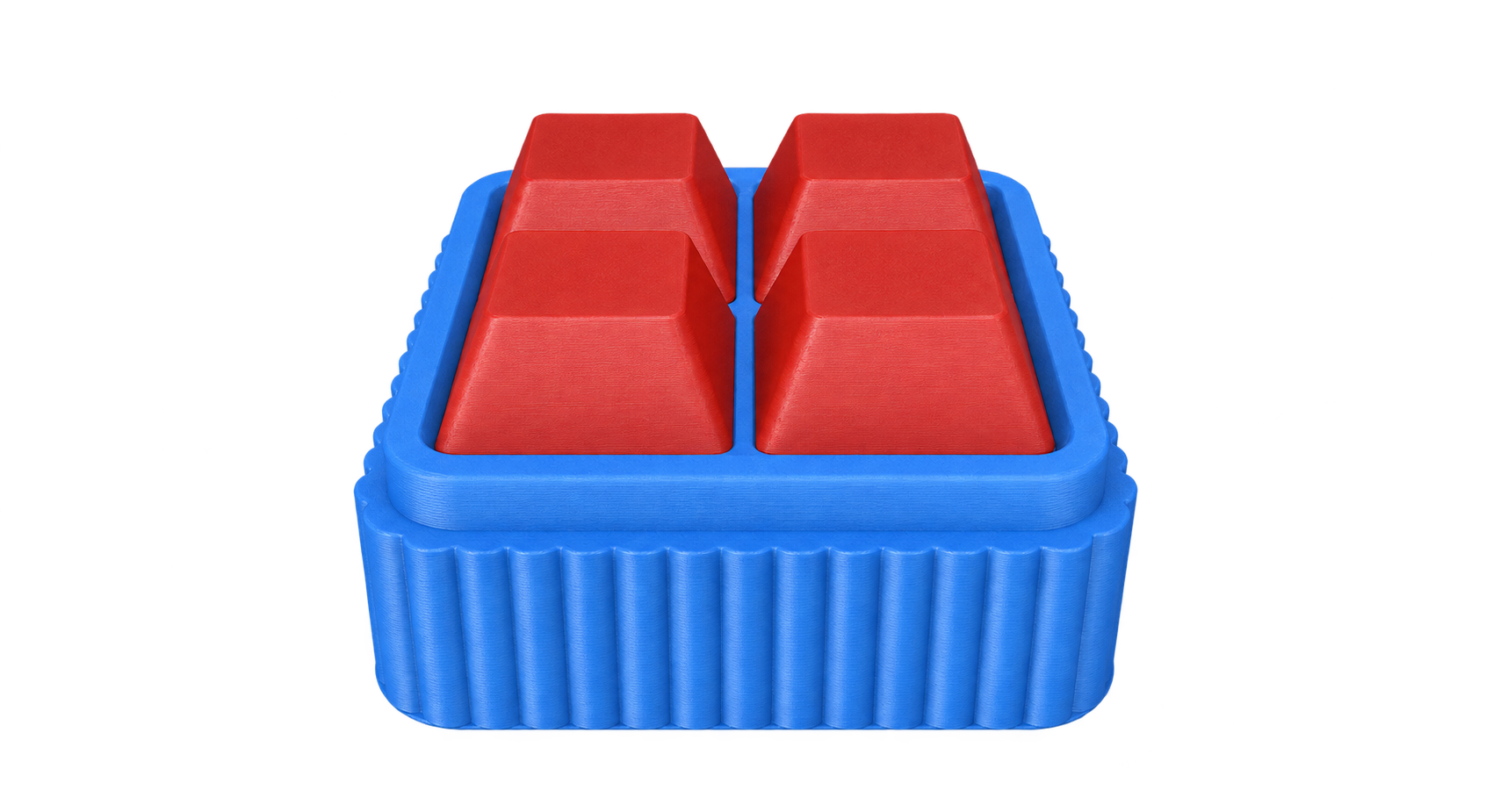
Choose layouts, keycaps and colours. Add compatible switches after printing.
Explore keyboard clickers ↗Bring your own idea
Prepare artwork and SVGs for your designs. Use artwork tools where your account has access, or start with an existing model from the library.
See the artwork workflowDownload a print file, open it in a compatible slicer and check scale, filament assignments and sliced layers. Test new designs on your own printer before making a batch.
Free exports are for personal use. Selling eligible physical prints needs active Maker access. Digital files cannot be resold or shared.
Compare plans and access